Discord YouTube Embed Not Working (5-Min SOS!)
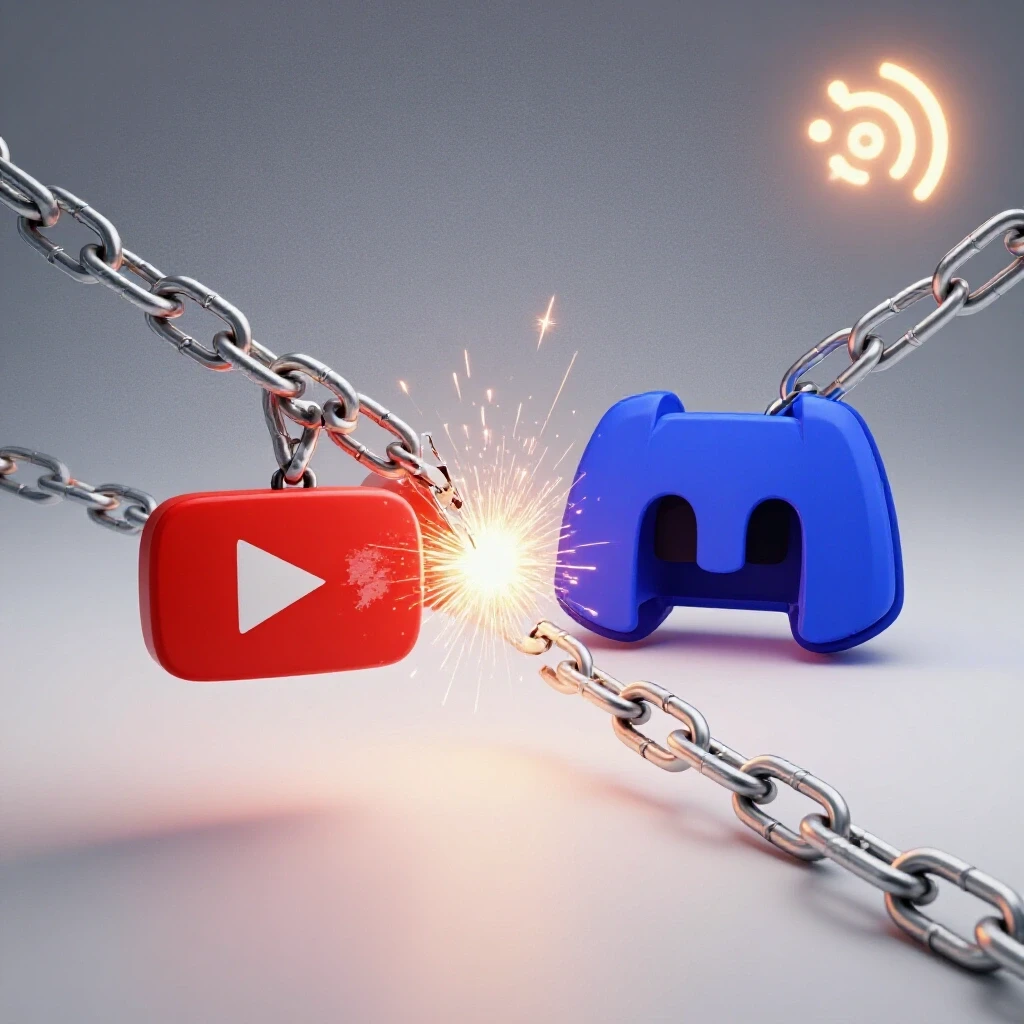
And that’s precisely what happens when your Discord YouTube embed decides to take a vacation.
One minute, you’re hyping up your latest video, the next, your community is staring at a blank space or, worse, a broken link.
Frustrating, right?
I get it.
Time is money, and every second spent troubleshooting is a second lost engaging with your audience and growing your channel.
That’s why I’ve put together this 5-minute SOS guide to get those embeds back up and running so you can get back to what you do best – creating awesome content!
Let’s dive in!
Section 1: Understanding Discord and YouTube Integration
1.1 Overview of Discord
Discord.
Ah, the digital haven for gamers, streamers, and, of course, us YouTube content creators.
It’s more than just a chat app; it’s a vibrant community hub where we can connect with our audience on a personal level.
Discord offers a plethora of features, from text and voice channels to custom emojis and server bots.
It’s designed for easy content sharing, community building, and real-time interaction.
I mean, who doesn’t love a good meme channel or a dedicated space for discussing your latest video?
1.2 Overview of YouTube
Do I even need to introduce YouTube?
It’s the undisputed king of video-sharing platforms.
As of 2024, YouTube boasts over 2.5 billion monthly active users (Source: Statista).
It’s where we showcase our creativity, build our brand, and, let’s be honest, try to make a little coin.
YouTube is more than just a platform; it’s a launchpad for careers, a space for education, and a source of endless entertainment.
Its monetization options, from AdSense to channel memberships, make it a vital tool for creators aiming to turn their passion into a profession.
1.3 The Importance of Embedding YouTube Videos in Discord
So, why bother embedding YouTube videos in Discord?
Simple: it’s all about direct engagement and community interaction.
Imagine dropping a link to your latest video in your Discord server.
Sure, people might click it.
But embedding the video directly into the channel?
That’s a game-changer.
It allows your audience to watch, react, and discuss your content without ever leaving the Discord environment.
Think of it as bringing the YouTube experience directly to your community’s doorstep.
The benefits are massive.
It creates ease of access, fostering discussions and driving up viewership.
Plus, it’s just plain convenient.
I’ve personally seen a significant boost in engagement when I started embedding my videos.
It’s like giving your viewers a VIP pass to your content!
Section 2: Common Reasons for Embed Issues
Okay, let’s get down to the nitty-gritty.
Why is your Discord YouTube embed not working?
Here are some of the most common culprits.
2.1 Technical Glitches
Sometimes, the issue isn’t on your end.
Technical glitches happen.
Server outages, API changes, and unexpected bugs can all wreak havoc on the embedding process.
For example, in early 2024, a widespread Discord outage temporarily disabled many integrations, including YouTube embeds.
(Source: Discord Status Page).
These glitches are often temporary, but they can be incredibly frustrating.
Keep an eye on Discord’s official channels for updates on any known issues.
2.2 User Errors
Let’s face it, we all make mistakes.
Incorrect URLs, private video settings, and simple typos can all prevent your video from embedding correctly.
Have you ever accidentally copied a shortened URL instead of the full YouTube link?
I know I have!
These seemingly small errors can have a big impact.
Always double-check your links and settings before hitting that “send” button.
2.3 Discord Server Settings
Your Discord server settings can also interfere with video embedding.
Permissions, channel types, and content filters can all play a role.
For instance, if your server has strict content filtering enabled, it might block YouTube embeds.
Similarly, if a channel is set to “text only,” it won’t display embedded videos.
It’s essential to ensure that your server settings are configured to allow for rich media embedding.
Section 3: Step-by-Step Troubleshooting Guide
Alright, let’s get those embeds working!
Here’s a step-by-step guide to troubleshoot the most common issues.
3.1 Basic Checks
Before diving into the more complex solutions, let’s start with the basics:
- Verify the YouTube Video URL: Make sure you’re using the correct YouTube video URL.
It should look something like this:https://www.youtube.com/watch?v=VIDEO_ID.
Double-check for typos or extra characters. - Check if the Video is Public: Ensure that the YouTube video is set to “Public.” If it’s set to “Private” or “Unlisted,” it won’t embed in Discord.
- Refresh Discord: Sometimes, a simple refresh can do the trick.
Close and reopen the Discord app or refresh the web page. - Clear Discord Cache: Corrupted cache data can sometimes interfere with embedding.
Clear your Discord cache by going to User Settings > App Settings > Clear Cache. - Test in a Different Channel: Try embedding the video in a different channel to see if the issue is channel-specific.
3.2 Checking Discord Server Settings
If the basic checks don’t work, it’s time to delve into your Discord server settings:
- Channel Permissions: Go to the channel settings (right-click on the channel name and select “Edit Channel”).
Navigate to “Permissions” and ensure that the “Send Messages” and “Embed Links” permissions are enabled for the roles or members who should be able to embed videos. - Server-Wide Permissions: Check the server-wide permissions by going to Server Settings > Roles.
Ensure that the relevant roles have the “Embed Links” permission enabled. - Content Filter: Check the server’s content filter settings by going to Server Settings > Moderation.
If the filter is set too high, it might be blocking YouTube embeds.
Try lowering the filter level to see if that resolves the issue. - Channel Type: Make sure the channel is a text channel and not a “news” or “announcement” channel, which may have restrictions on embedded content.
3.3 Using Discord Bots
Discord bots can be incredibly helpful for managing and enhancing your server.
Some bots are specifically designed to assist with embedding videos and other media.
- Popular Bots: Some popular bots for embedding videos include Dyno, Mee6, and Carl-bot.
These bots offer a range of features, including custom embed messages and automated video posting. - Setup: To set up a bot, invite it to your server and follow the bot’s specific instructions.
Most bots have a command prefix (e.g.,!,/, or-) that you can use to trigger their functions. - Commands: Use the bot’s embed command to embed your YouTube video.
For example, with Dyno, you might use the command!embed <YouTube URL>. - Customization: Many bots allow you to customize the appearance of the embed message, including the title, description, and thumbnail.
3.4 Exploring Alternative Methods
If all else fails, there are alternative methods for sharing YouTube content in Discord:
- Sharing Links: Simply share the YouTube video link in the channel.
While it won’t embed the video directly, it will still allow your audience to access the content. - Using Screenshots: Take a screenshot of the YouTube video thumbnail and share it in Discord with a link to the video in the caption.
This can be a visually appealing way to grab your audience’s attention. - Creating GIFs: Create a short GIF from the YouTube video and share it in Discord with a link to the full video.
This can be a fun and engaging way to promote your content.
Section 4: Future-Proofing Your Discord and YouTube Integration
Okay, so you’ve got your embeds working again.
Awesome!
But how do you prevent this from happening in the future?
Here are a few tips to future-proof your Discord and YouTube integration.
4.1 Keeping Up with Updates
Discord and YouTube are constantly evolving.
New features, bug fixes, and API changes are released regularly.
Staying informed about these updates is crucial for maintaining smooth integration.
- Follow Official Channels: Follow Discord and YouTube’s official blogs, social media accounts, and developer forums to stay up-to-date on the latest news and announcements.
- Read Release Notes: When new updates are released, take the time to read the release notes to understand any changes that might affect your embedding process.
- Test New Features: When new features are introduced, test them out to see how they interact with your existing setup.
4.2 Community Feedback
Your community is your best resource for identifying and resolving issues.
Encourage your audience to provide feedback on what works best for video sharing.
- Ask for Input: Regularly ask your community for feedback on your video sharing methods.
What do they find most convenient?
What do they find most engaging? - Monitor Engagement: Pay attention to how your audience interacts with your shared videos.
Are they clicking on the links?
Are they engaging in discussions? - Adapt to Preferences: Adapt your video sharing methods based on your community’s preferences.
If they prefer embedded videos, prioritize that.
If they prefer links, focus on creating compelling descriptions and thumbnails.
4.3 Embracing New Features
Discord and YouTube are always experimenting with new features.
Embracing these features can enhance the embedding experience and keep your community engaged.
The key takeaways are:
- Always double-check your URLs and settings.
- Ensure that your Discord server permissions are configured correctly.
- Consider using Discord bots to simplify the embedding process.
- Stay informed about updates from both Discord and YouTube.
- Gather feedback from your community on what works best for video sharing.
By staying proactive and adapting to platform changes, you can ensure that your Discord YouTube embeds are always working smoothly.
Call to Action
Now it’s your turn!
I’d love to hear about your experiences with embedding YouTube videos in Discord.
Have you encountered any unique challenges?
What solutions have worked best for you?
Share your thoughts and experiences in the comments below!
Let’s foster a community of support and problem-solving to help each other create the best possible experience for our viewers.
Together, we can conquer those pesky embed issues and keep our communities thriving!